




The rota that turns with your teams.
You publish the week, everyone clocks in at the door, and the hours arrive ready for payroll. On every one of your sites.
What changes when your team moves to Averty
Same days, same teams. Without the paper, the group chats and the hours added up again.
A day on site, with Averty
From the first arrival to the month’s payroll: every moment of the day has its tool, and everyone works from the same data.
06:58
Time clockLuca types his PIN at the entrance: the punch is his own.
09:30
AttendanceThe manager sees who is in and who is late, without calling anyone.
11:00
Shift planningSara finds today’s shift in the app.
15:20
Leave and absencesAnna asks for three days; the owner approves with the balance in view.
18:00
Shift planningNext week is published: everyone gets their hours.
End of month
ReportsThe month’s hours go to the accountant in one file.
All of Averty, in three steps
Prepare the week, count the hours, manage the team: one tool, on the web, the tablet and the phone.
- 1 · Plan
The week ready, published on every phone
One rota per department and site. You work on a draft and publish when it’s ready.
- Leave and days off already on the grid
- Never two shifts at once, even across sites
- Split shifts and shifts past midnight
- 2 · Clock in and count
From clock-in to payroll, without recounting
Everyone clocks in themselves. Averty puts the punches next to the rota and counts the month’s hours.
- Tablet with PIN, app or QR code
- Late arrivals and missed punches visible, corrected with a reason
- Overtime and an Excel export for the accountant
- 3 · Manage the team
The team’s requests, in one place
Leave, documents and written questions go through the app. You decide with everything in view.
- Leave approved with the balance, by your rules
- Contracts and payslips filed per person
- Questionnaires: an answer from each person, then your decision
Made for the way your trade works
Split shifts, late closings, seasonal staff: see how Averty fits your sector.

Restaurants & cafés
Split shifts, late closings and several locations, planned in one place.
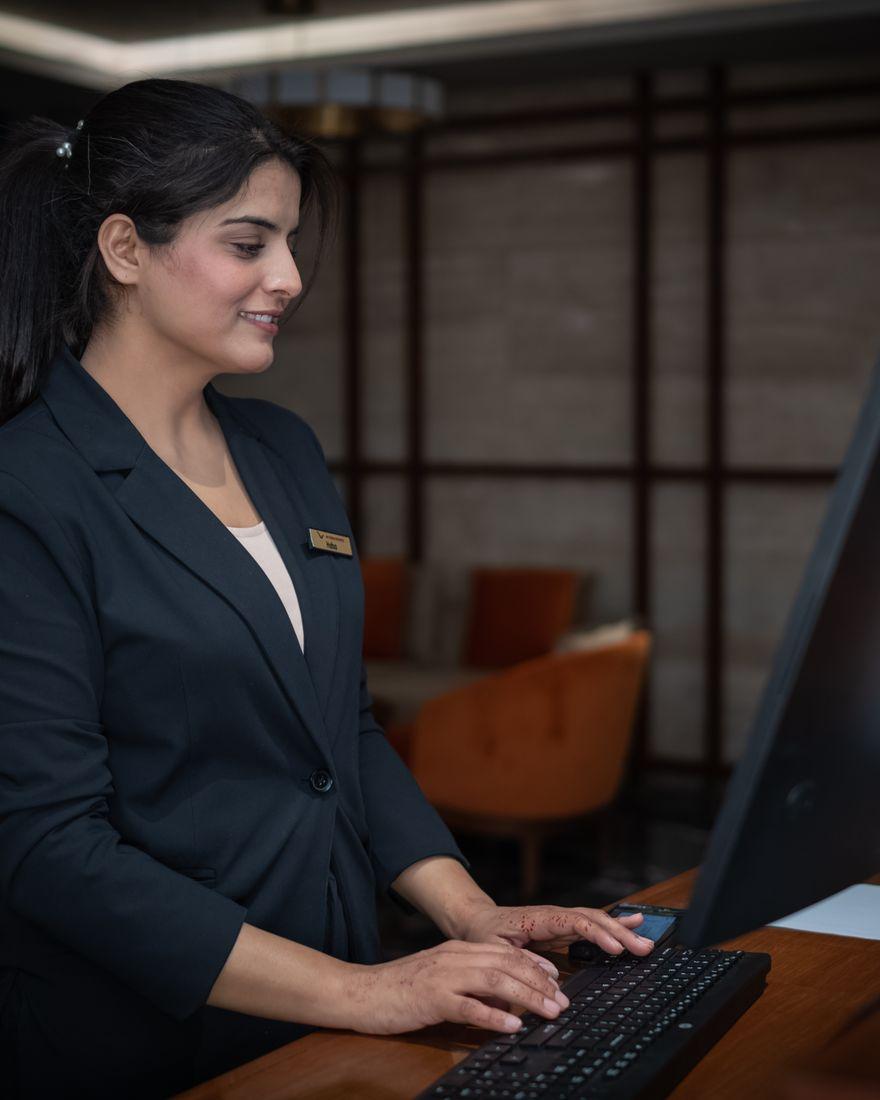
Hotels & hospitality
Departments, early starts and night shifts, planned hotel by hotel.

Retail & shops
Long opening hours, weekends and peaks, planned shop by shop.
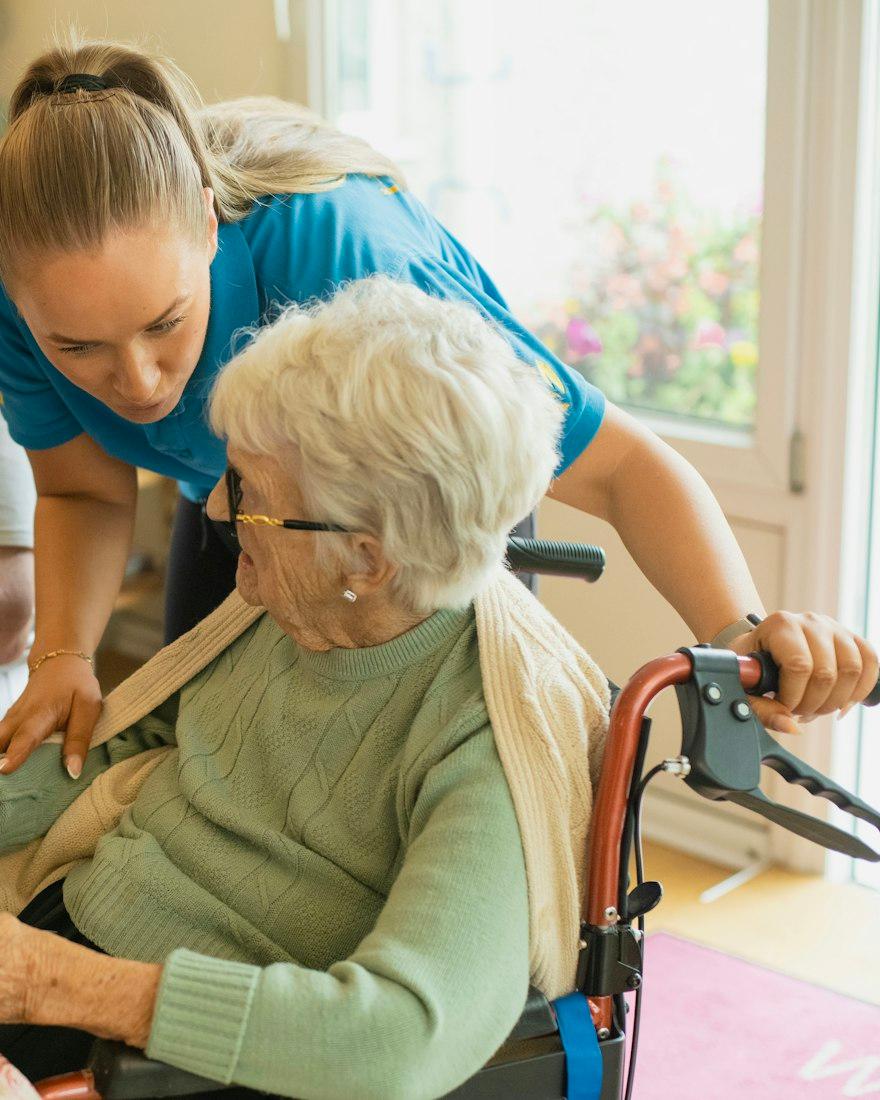
Healthcare & care homes
Day, evening and night cover, planned facility by facility.
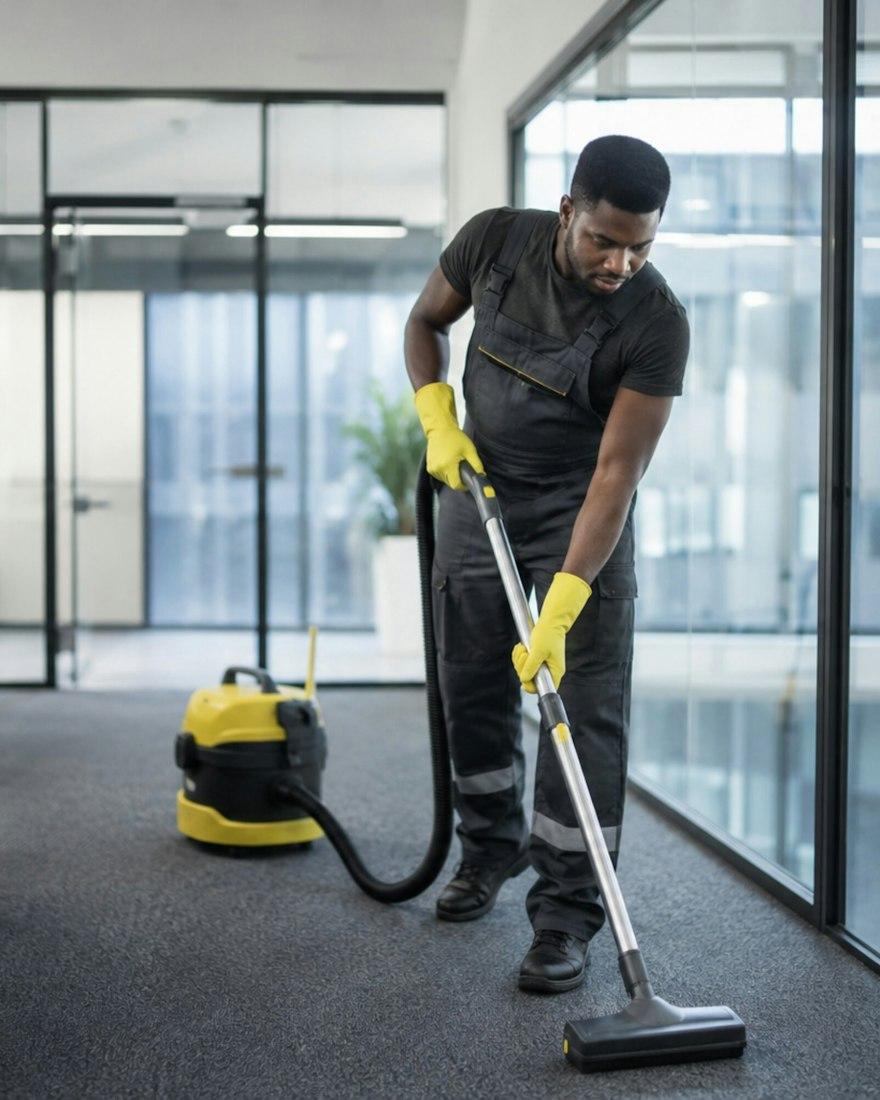
Cleaning & facility services
Early starts, split shifts and teams across several sites, planned in one place.
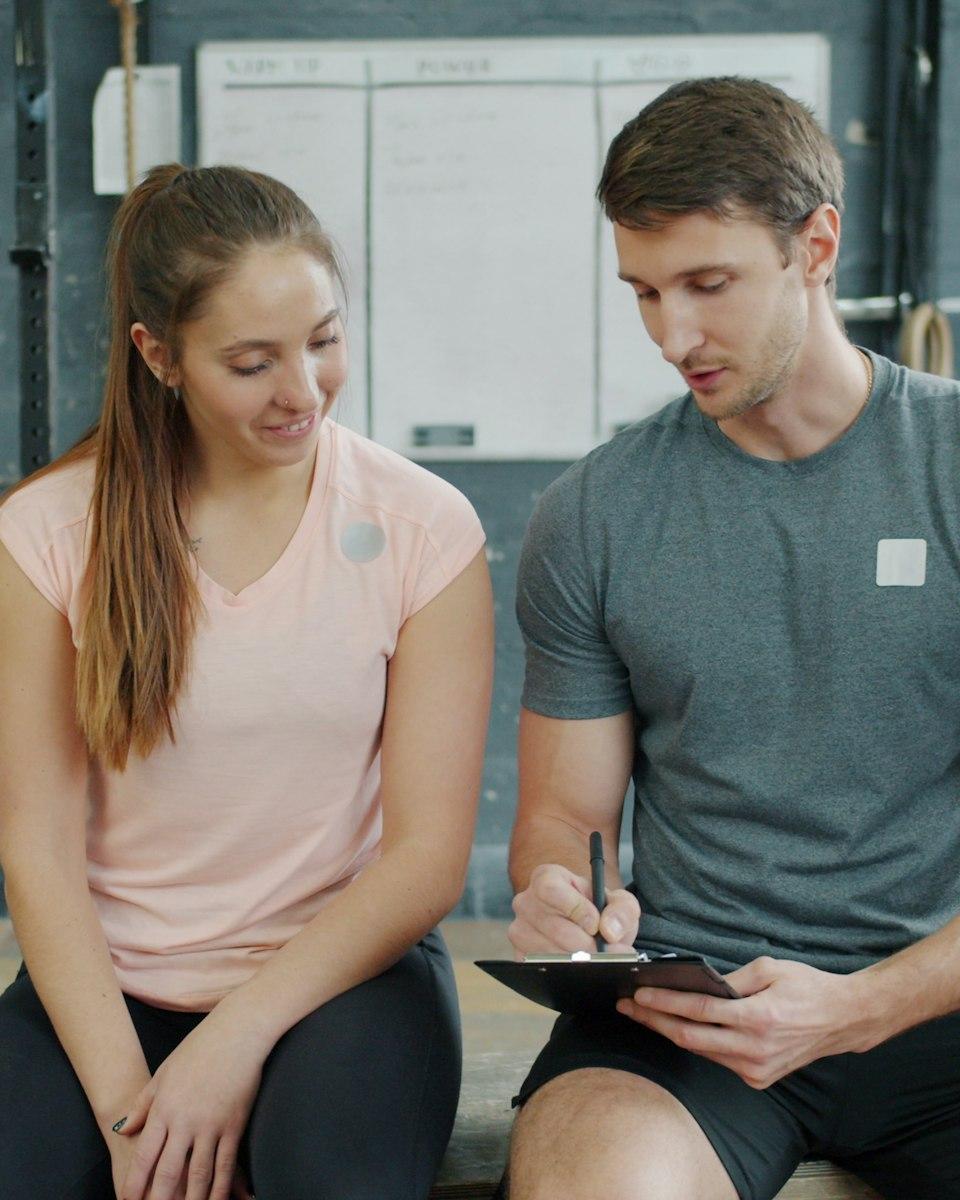
Sport, leisure & entertainment
Classes, reception and pool from early morning to late evening, weekends included.
Before you start
Can’t find your answer? Tell us about your sites and your teams.
Ask a questionDo I need special equipment?
No. An iPad or Android tablet for the time clock, and your team’s phones for the app.
Do employees need a computer?
No. They use the app and the site tablet. The web dashboard is for owners and administrators.
Can I start with a single site?
Yes. Each site has its own subscription: you add sites when you are ready.
Can a manager clock in for someone?
No. A manager can correct a time afterwards, with a reason, but the punch is always the employee’s own.
See Averty on your own sites
Tell us about your sites and teams and we will show you how Averty fits.